How to Take Photos for an Online Hair Transplant Consultation
Preparing photos for an online hair transplant consultation can be easier when you use a consistent set of views. This guide focuses on taking clear, unedited pictures and organizing them for a conversation with the clinic. Ask the team for its preferred photo instructions before sending your images. Start with the clinic’s instructions Confirm which […]
Preparing photos for an online hair transplant consultation can be easier when you use a consistent set of views. This guide focuses on taking clear, unedited pictures and organizing them for a conversation with the clinic. Ask the team for its preferred photo instructions before sending your images.
Start with the clinic’s instructions
Confirm which views the team wants, where to send them and whether it has a preferred file format. Do not assume that the public chat box, a social-media comment or an unfamiliar account is the right place to upload personal images. Use the clinic’s contact page to ask for the appropriate submission channel.
Use clear light and an ordinary camera setting
Choose even lighting and a simple background. Avoid a bright window behind your head, heavy shadows and glare. Clean the camera lens, keep the camera steady and check each picture for blur before moving on. If another person helps, ask them to keep a similar distance for each view.
Turn off beauty filters, portrait effects and digital retouching. Keep the original files. Do not add hair digitally or edit the apparent thickness, hairline or scalp color. Tell the team if styling products, fibers or concealers are visible; ask whether it needs another set.
Prepare a consistent set of views
The following is an organizing checklist, not a substitute for the clinic’s own photo requirements:
- Front: show the hairline and the surrounding area without cropping away its edges.
- Left and right sides: use similar angles and framing so the two sides can be compared.
- Top: include the area you want to discuss, with enough surrounding hair to show its position.
- Crown: take a separate view if the back of the top of your head is part of your question.
- Back and sides: ask the team which views it wants of the areas it may need to examine.
Review the pictures at full size. Retake a blurred view rather than sharpening it heavily. If you cannot capture an angle comfortably, ask someone to help instead of balancing on furniture or stretching into an awkward position.
Label images so the conversation stays clear
Use simple filenames such as front, left, right, top and back, followed by the date. For later comparison, try to repeat the same lighting, angle and distance. State when the pictures were taken and note any differences in hair length or styling between sets. Avoid combining pictures from different dates without explaining the difference.
Send only what is requested
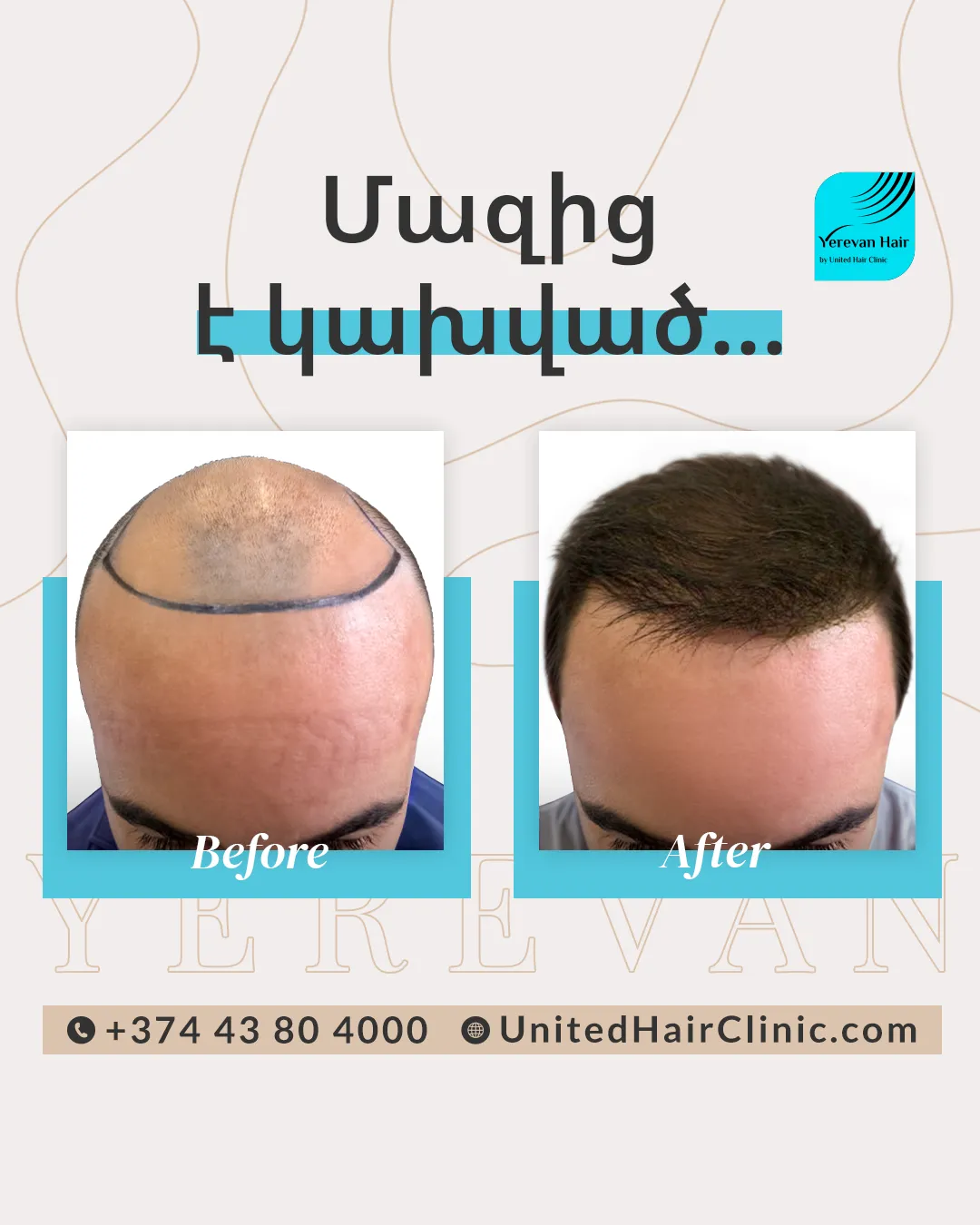
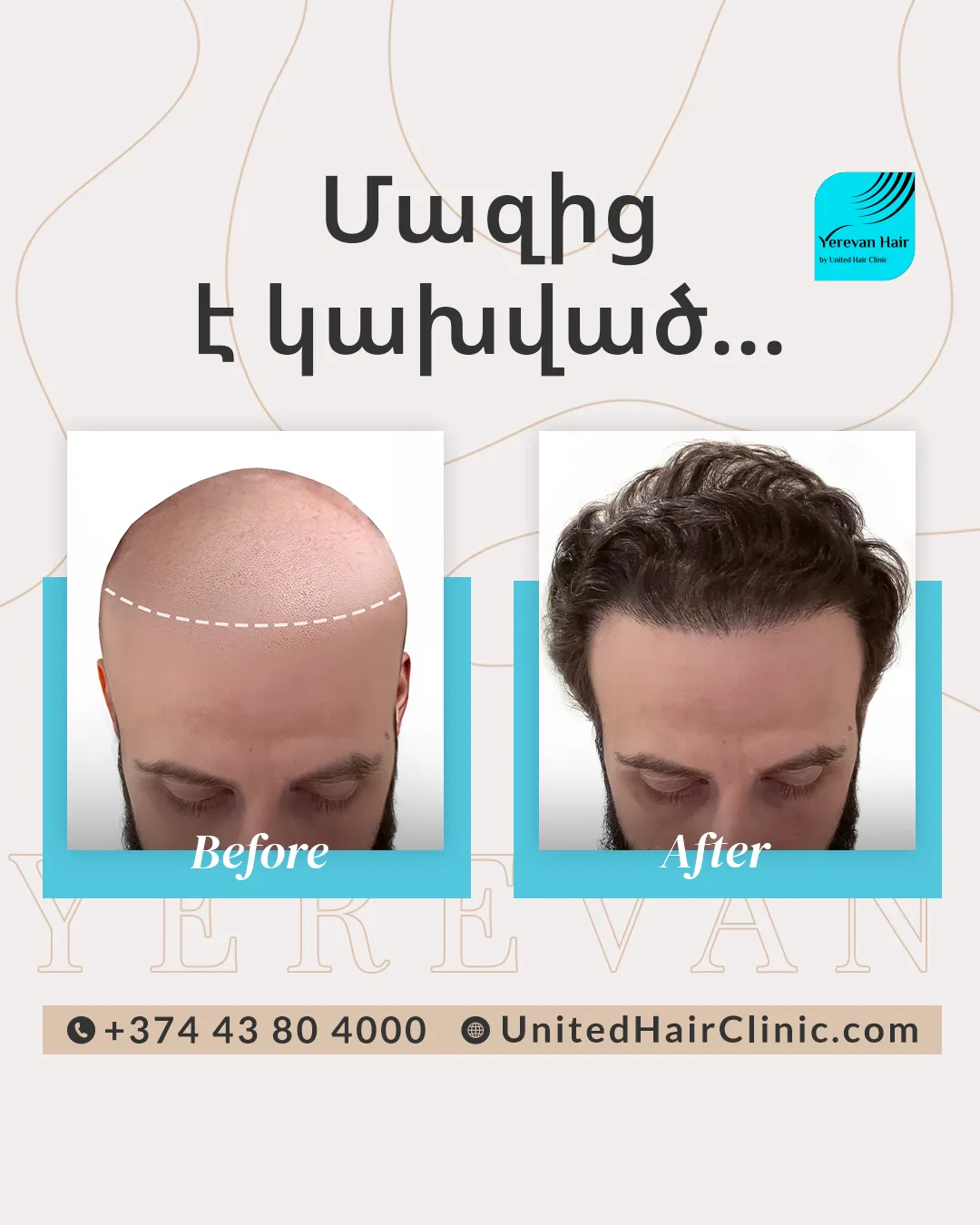
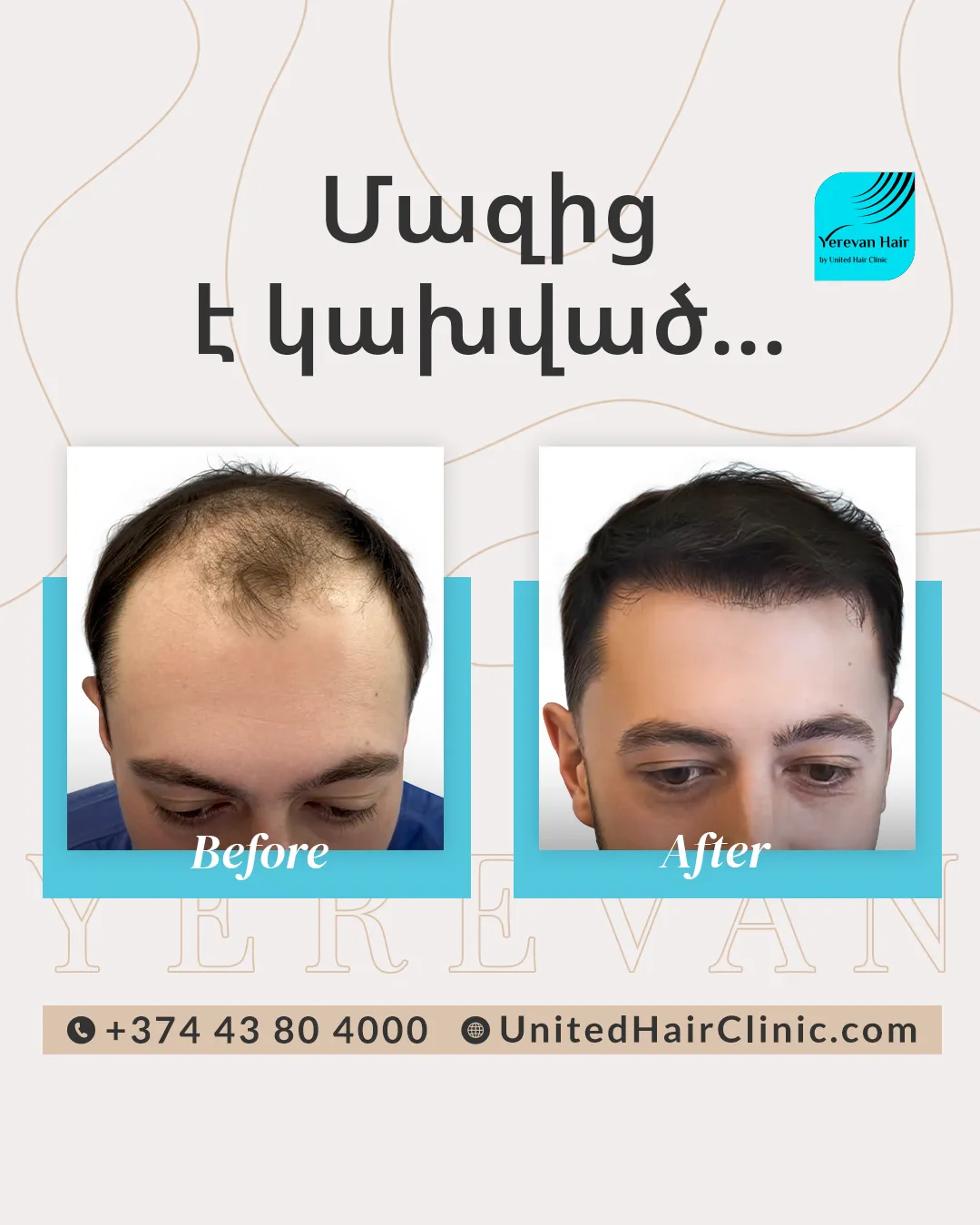
Check that the background does not reveal documents, addresses or other people. Ask how your images will be used and whether any separate permission is requested for promotional use. Preparing pictures for a private consultation should not be confused with agreeing to public before-and-after advertising.
If the clinic needs health information or records, ask how to provide them through its designated process. Do not add identity documents or unrelated personal records to a photo folder by default.
Use the photos to prepare questions
Write down the areas you want to discuss and what you hope to understand. Ask what can be discussed remotely, what remains uncertain and what would require an in-person examination. This photo checklist does not establish a diagnosis, suitability for surgery, a final graft count or an expected result.
For the next step, contact United Hair Clinic in Yerevan and request the team’s current photo-submission instructions. You can also explore the clinic’s hair transplantation service page before preparing your questions.